
 Scripts Documentation
 Join our Discord
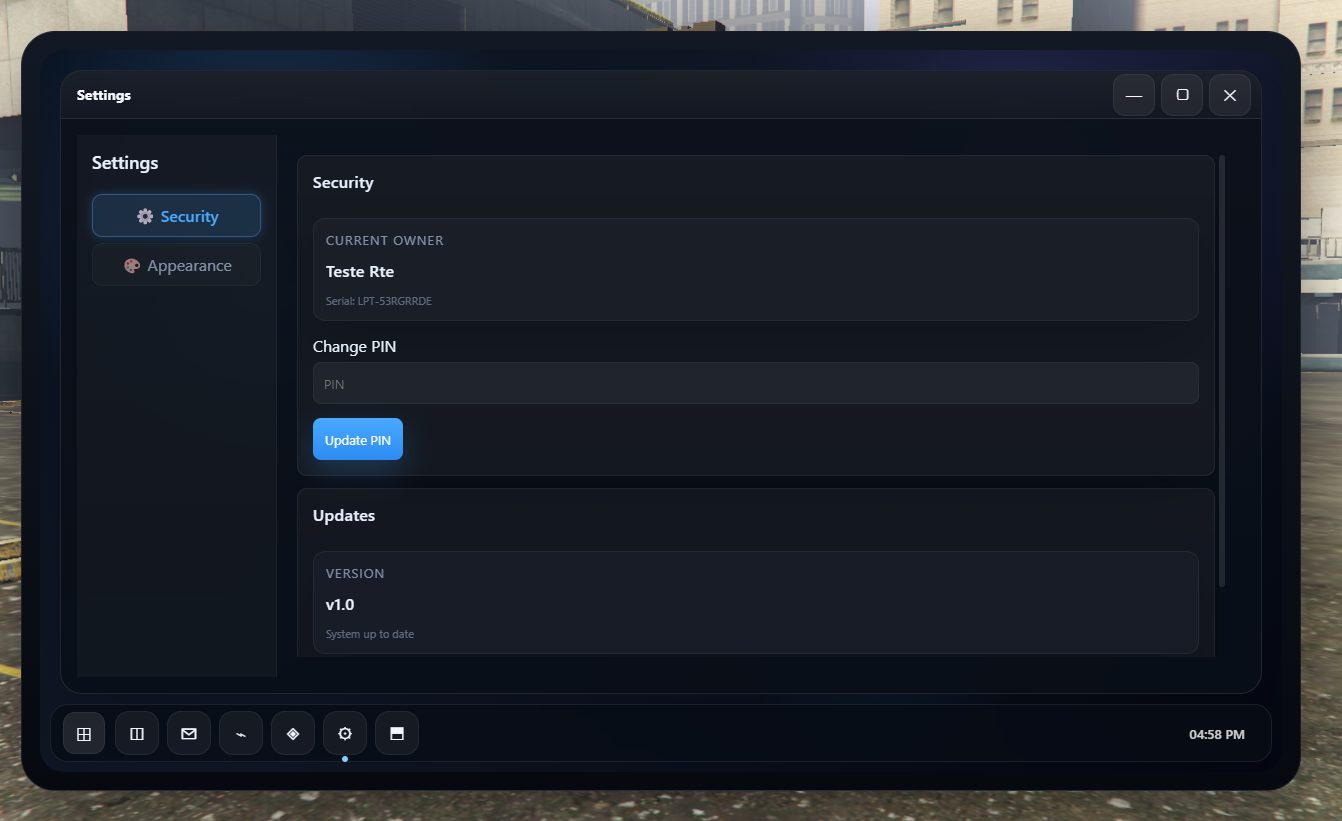
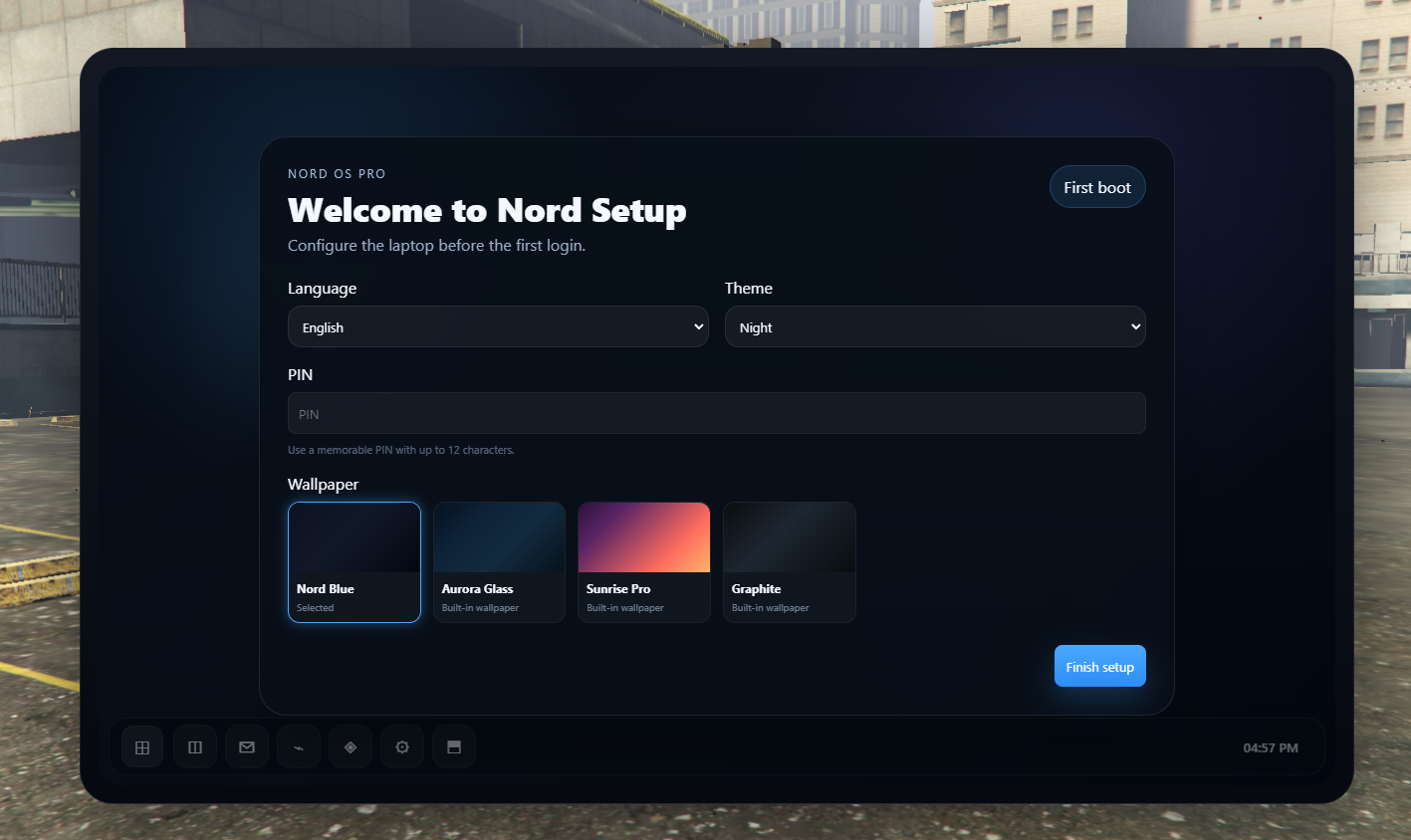
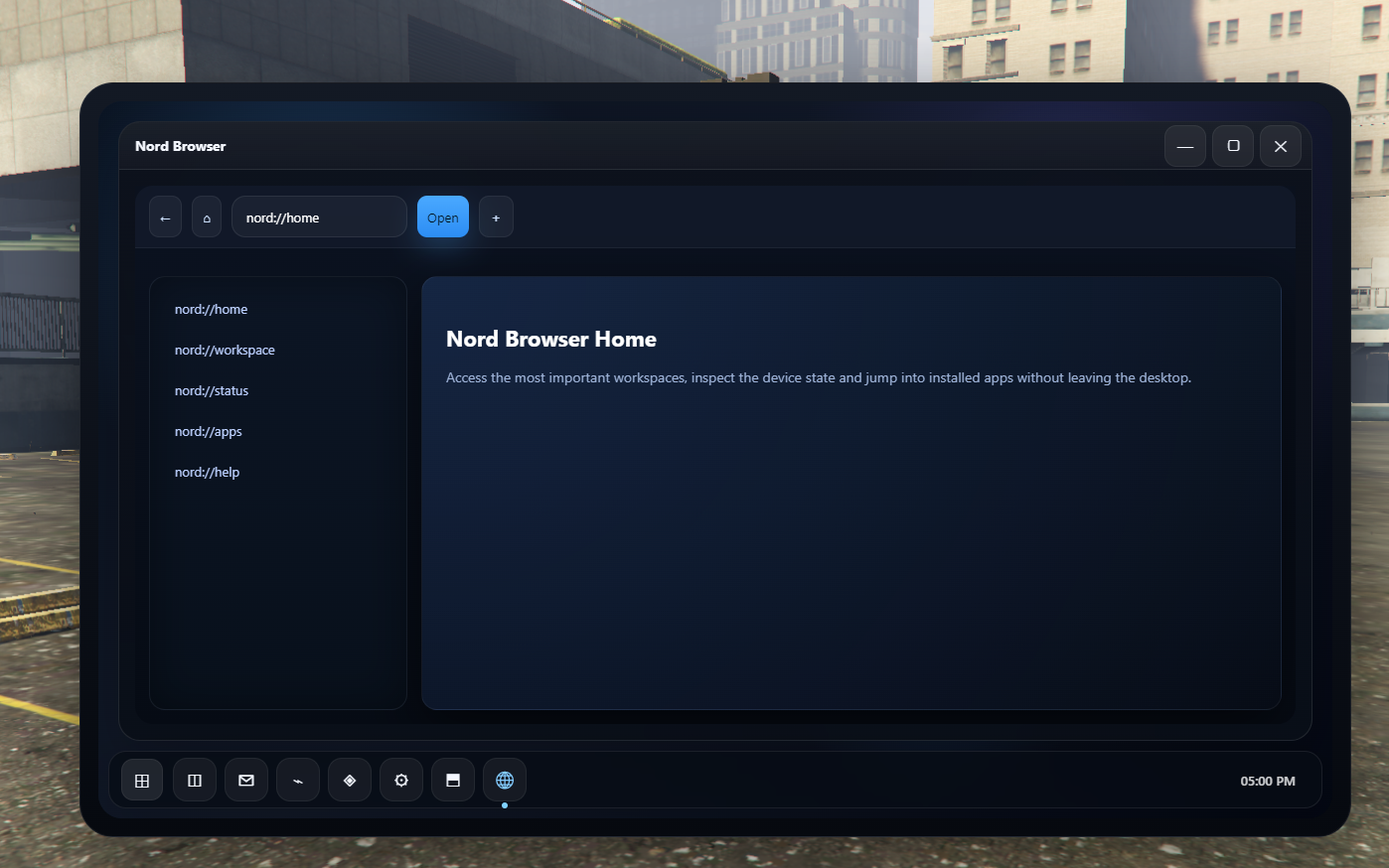
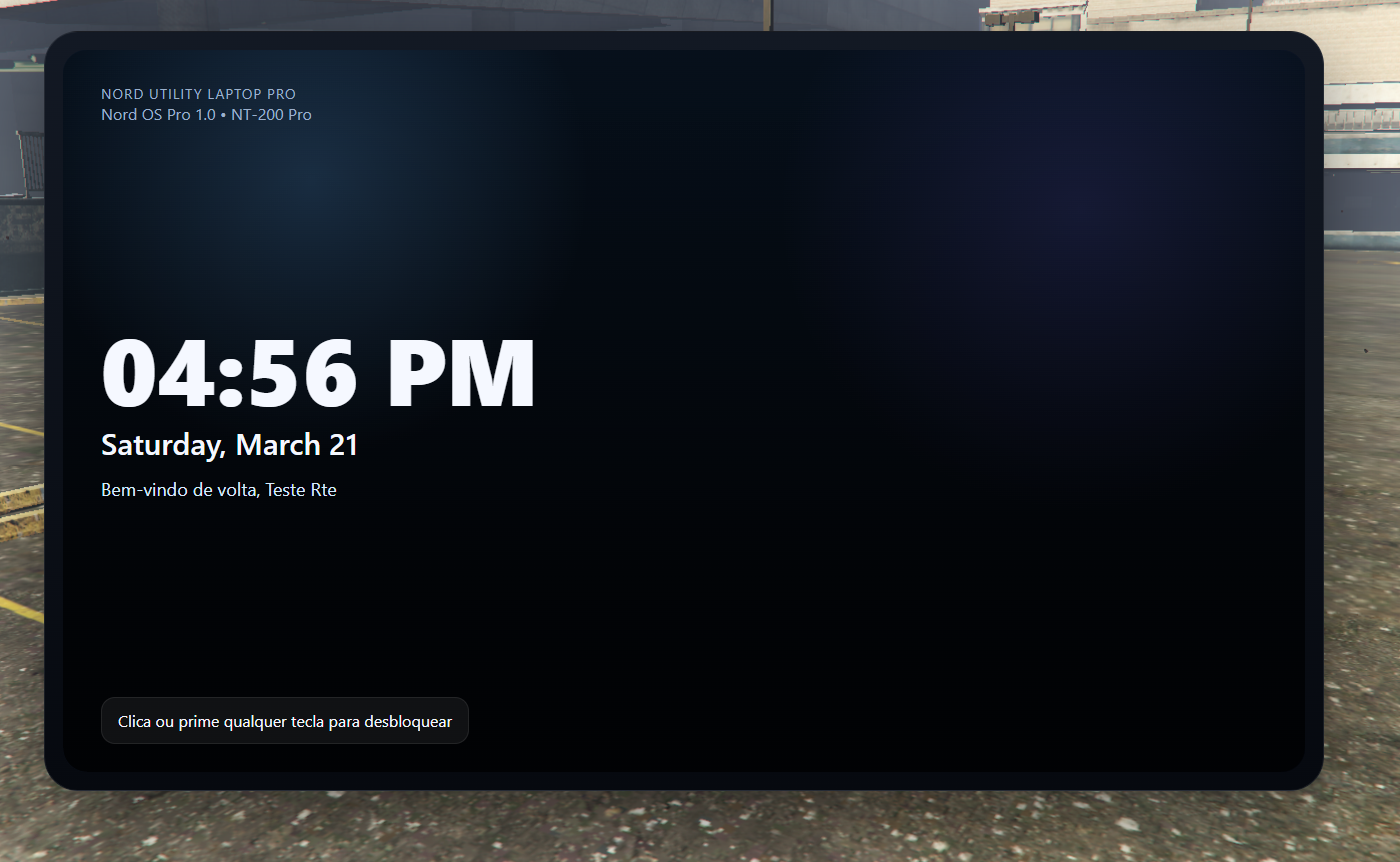
💻 Nord Laptop
Advanced Utility Suite for Nord OS / FiveM Servers
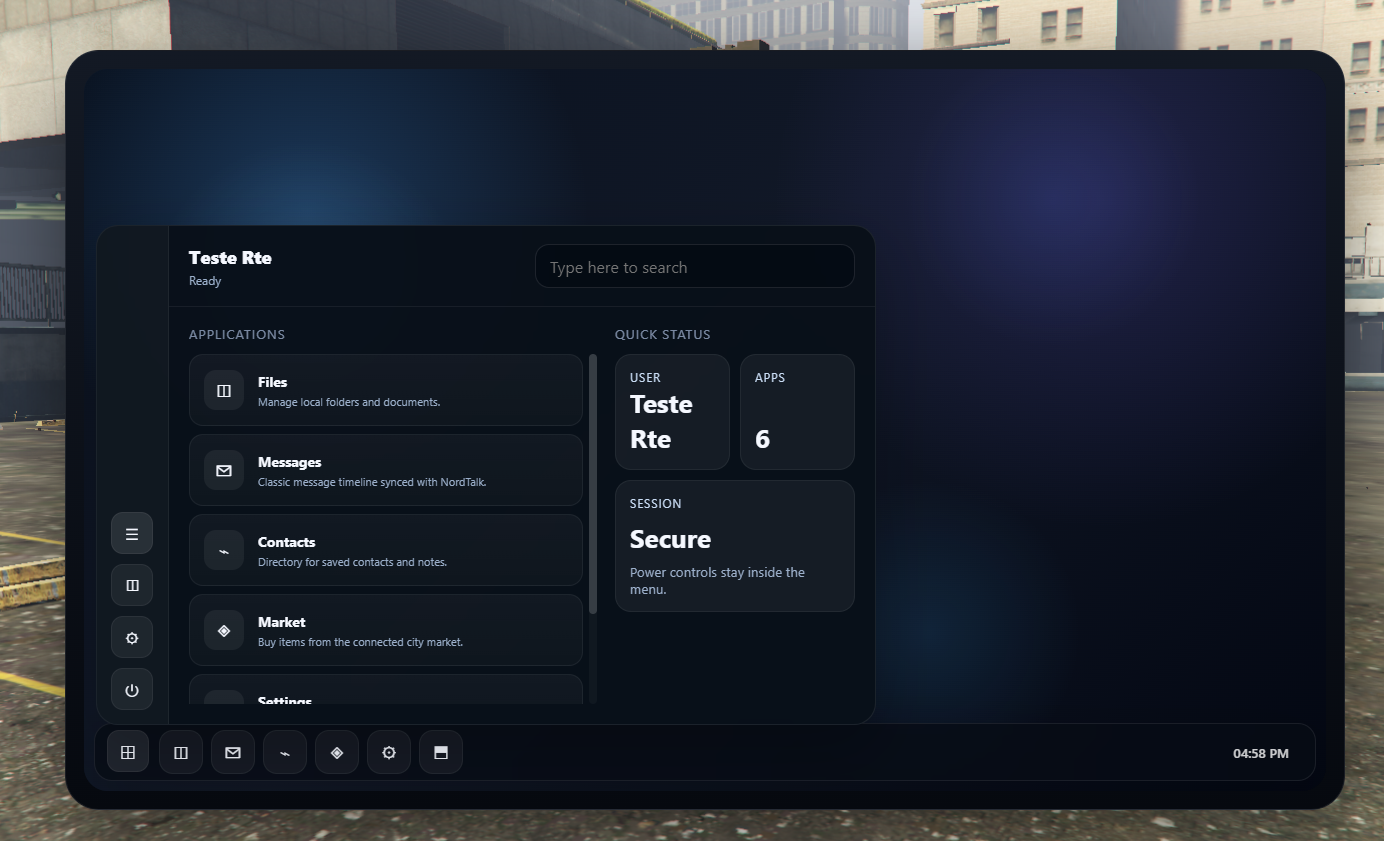
Take your in-game laptop experience to the next level with Nord Laptop— a powerful collection of essential tools designed to expand functionality, realism, and roleplay depth inside your server.
🚧 Beta Status
⚠️ This resource is currently in BETA
Nord Laptop is actively being developed and improved. By purchasing during this phase, you will:
- Get early access to all current features
- Receive all future updates for free
- Help shape the system with your feedback
- Benefit from a lower introductory price
Some features may still be under development and minor bugs can occur. Stability and performance improvements are continuously being worked on.
⚙️ Features
✔️ Multi-Utility System
A complete toolkit of essential laptop utilities designed to enhance gameplay and roleplay scenarios.
✔️ Framework Compatibility
Supports QBCore, ESX, and Qbox through a flexible bridge system.
✔️ Database-Driven Architecture
Fully optimized MySQL structure for persistent data, ensuring stability and scalability.
✔️ Modern NUI Interface
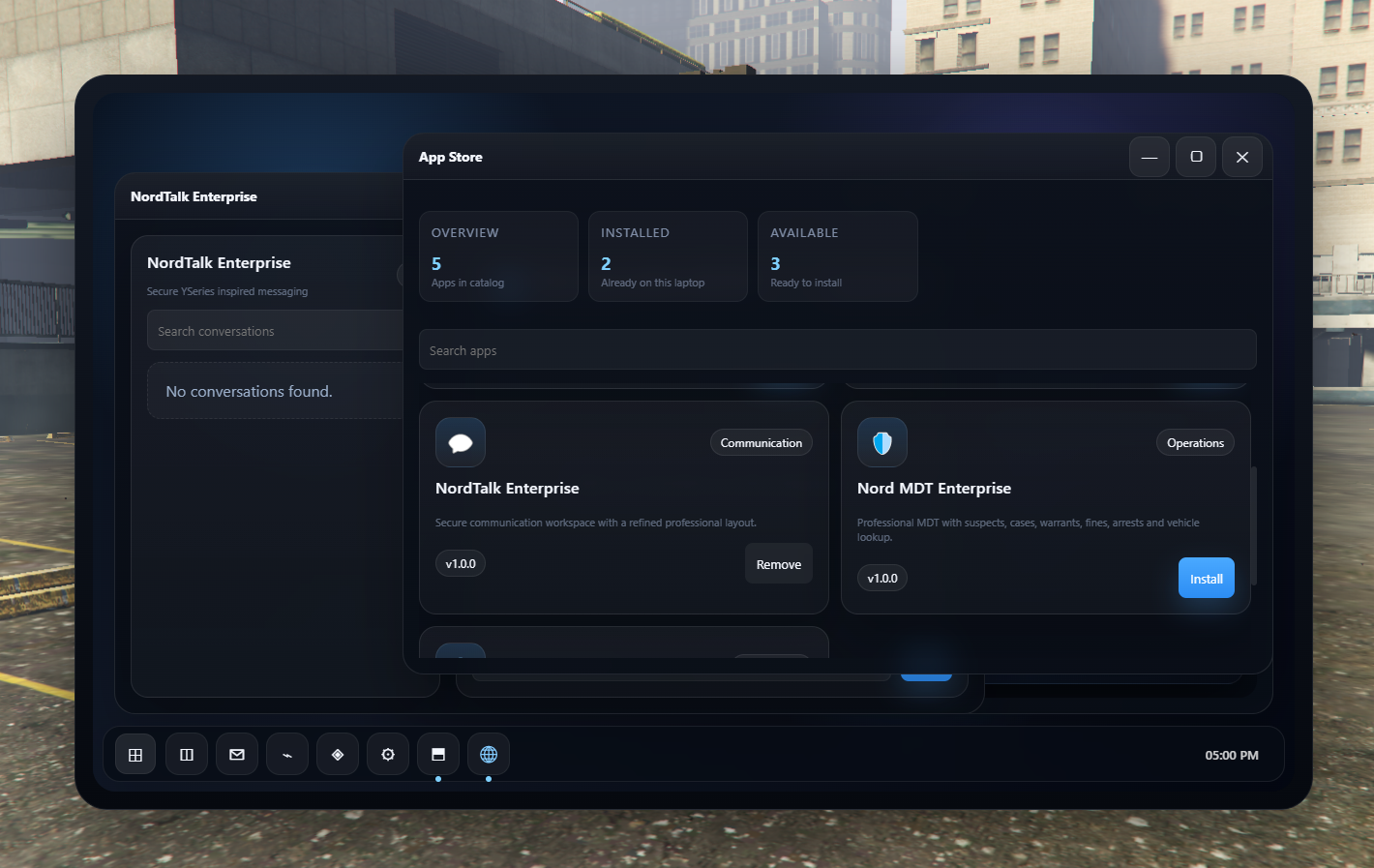
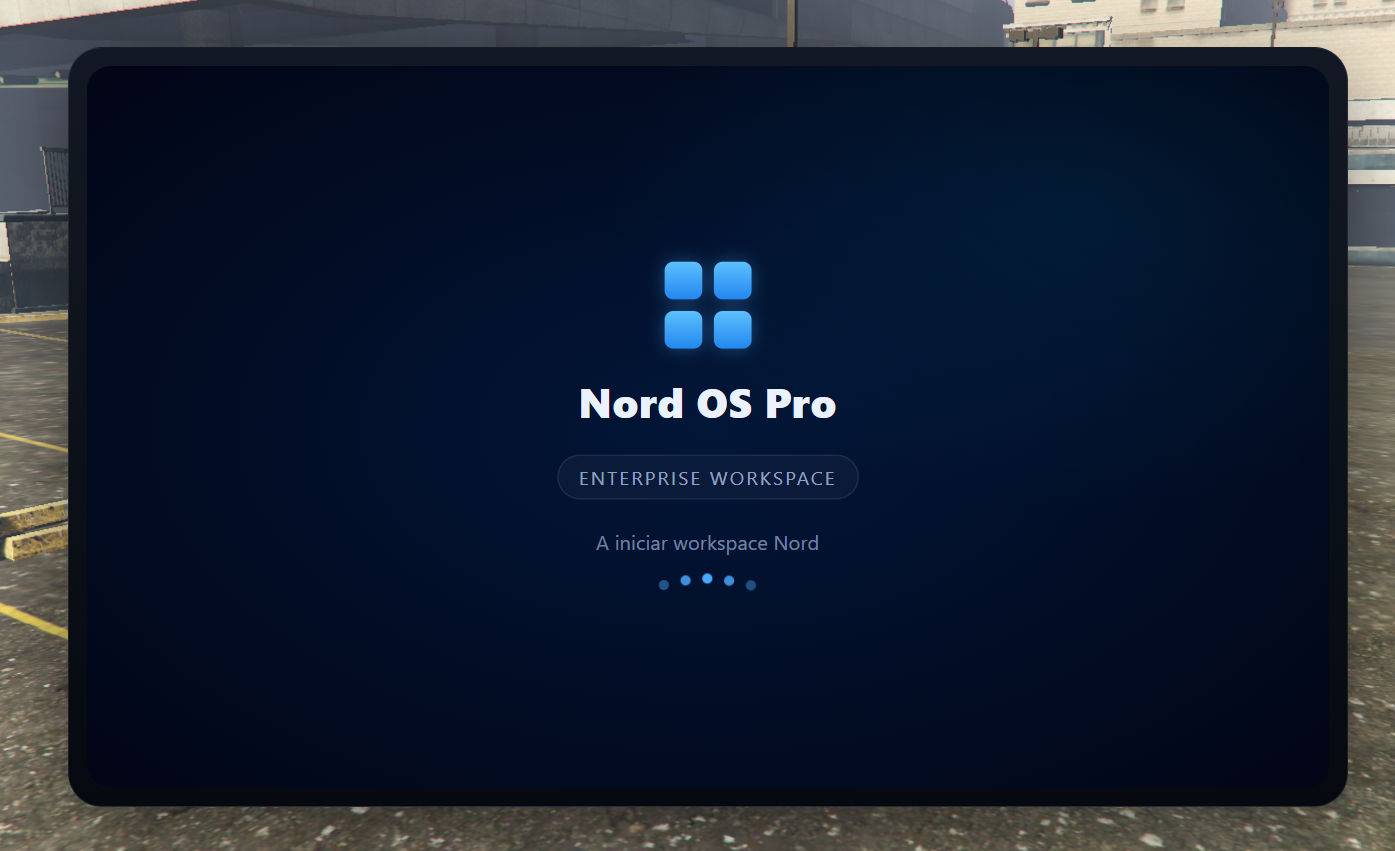
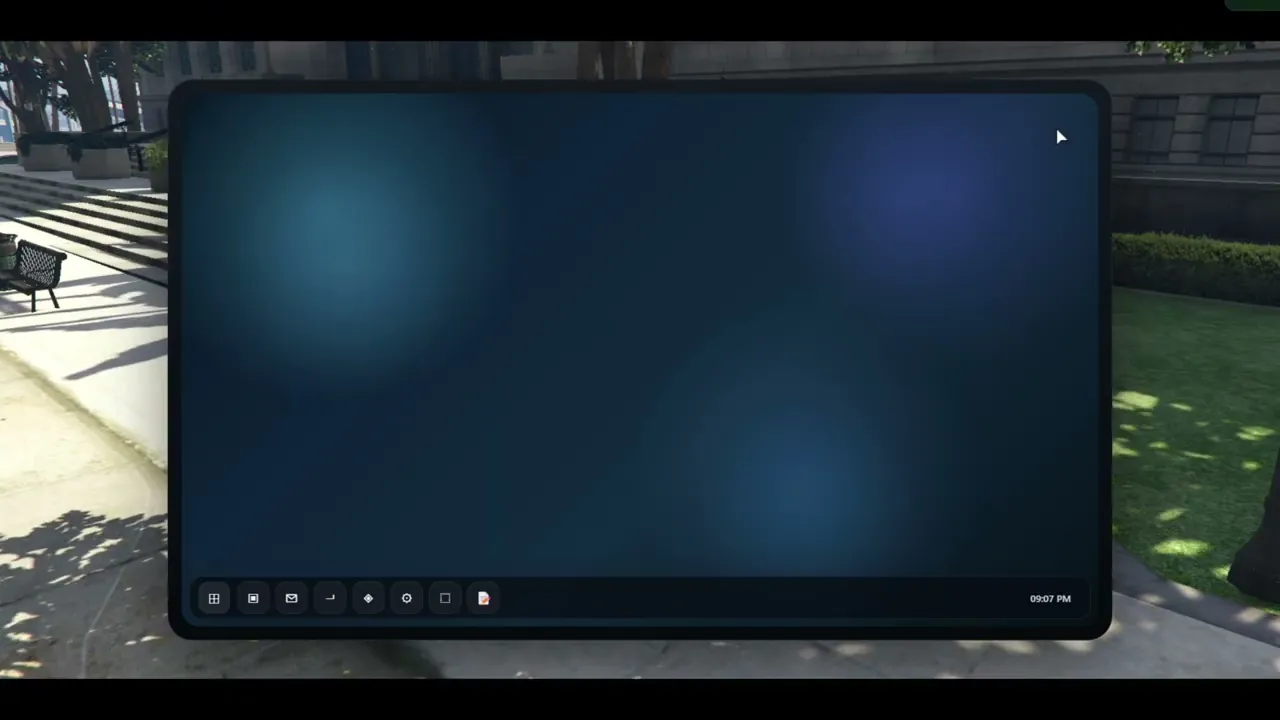
Clean, responsive, and professional UI designed to match a Windows-inspired Nord OS environment.
✔️ Real-Time Data Handling
Utilities sync dynamically with in-game data, providing accurate and live information.
✔️ Modular & Expandable
Easily extend the system with new utilities or integrate with other Nord scripts.
✔️ Optimized Performance
Lightweight and efficient codebase with minimal impact on server performance.
🔌 Included Systems
- 📡 Utility management system
- 🔐 Secure access & permissions
- 🧩 Modular app integration
- 🗄️ Database persistence
- 🖥️ Full NUI interaction layer
🧠 Use Cases
Perfect for:
- Roleplay servers looking for deeper immersion
- Police / government systems
- Business & management tools
- Advanced player interaction systems
🚀 Why Choose Nord?
Nord products are built with a focus on:
- Professional quality
- Clean UI/UX
- High performance
- Scalability for large servers
📦 Requirements
- QBCore / ESX / Qbox
- ox_lib
- ox_inventory (recommended)
- MySQL (oxmysql)
🛠️ Installation
- Import the provided SQL file
- Drag & drop into your resources folder
- Ensure the script in your server.cfg
- Configure to your needs
💬 Support
Need help? Join our Discord for full support, updates, and future expansions.
🔥 Nord Ecosystem
This resource is part of the Nord ecosystem, designed to work perfectly with:
- Nord Laptop
- Nord Keys
- Nord Restaurants
- And more...